Capture the party together
in one shared album.
PartyCam is the guest camera for weddings, parties, schools, and gatherings. Hosts create an event, guests scan a QR code, and the camera opens right in their browser — no app, no account.
Free to try - no card needed.
Prefer the app? App StoreGoogle Play
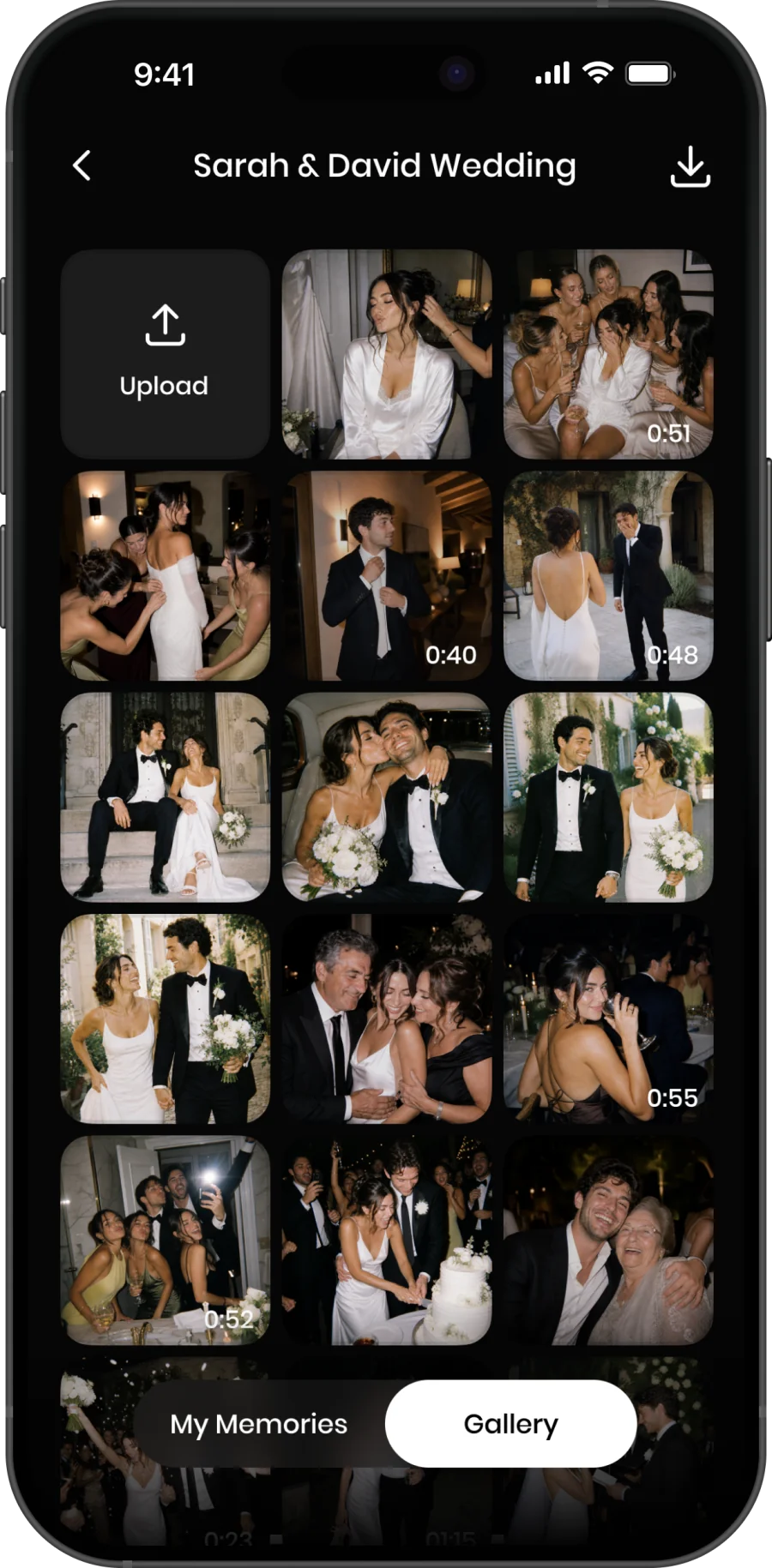
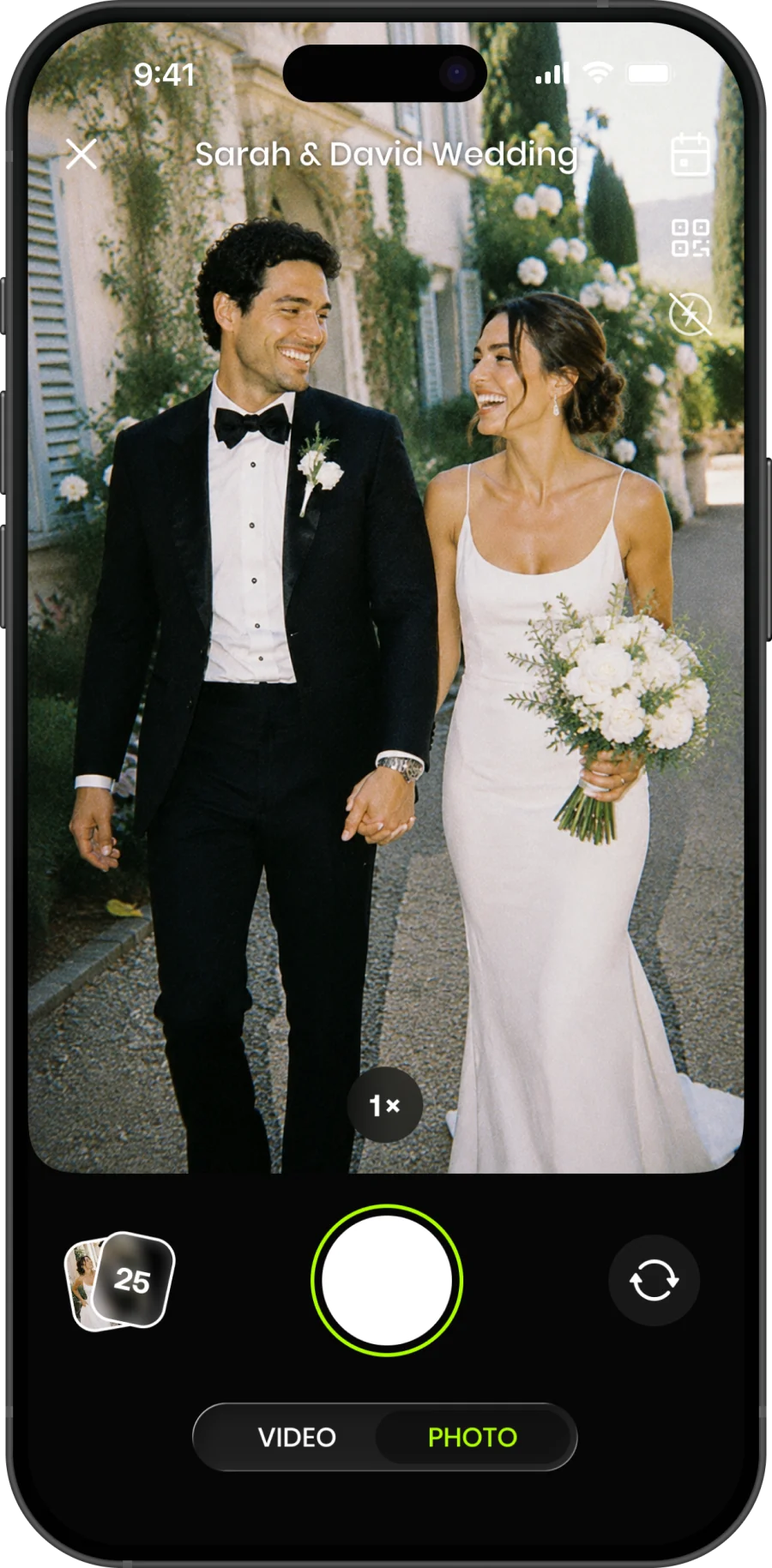
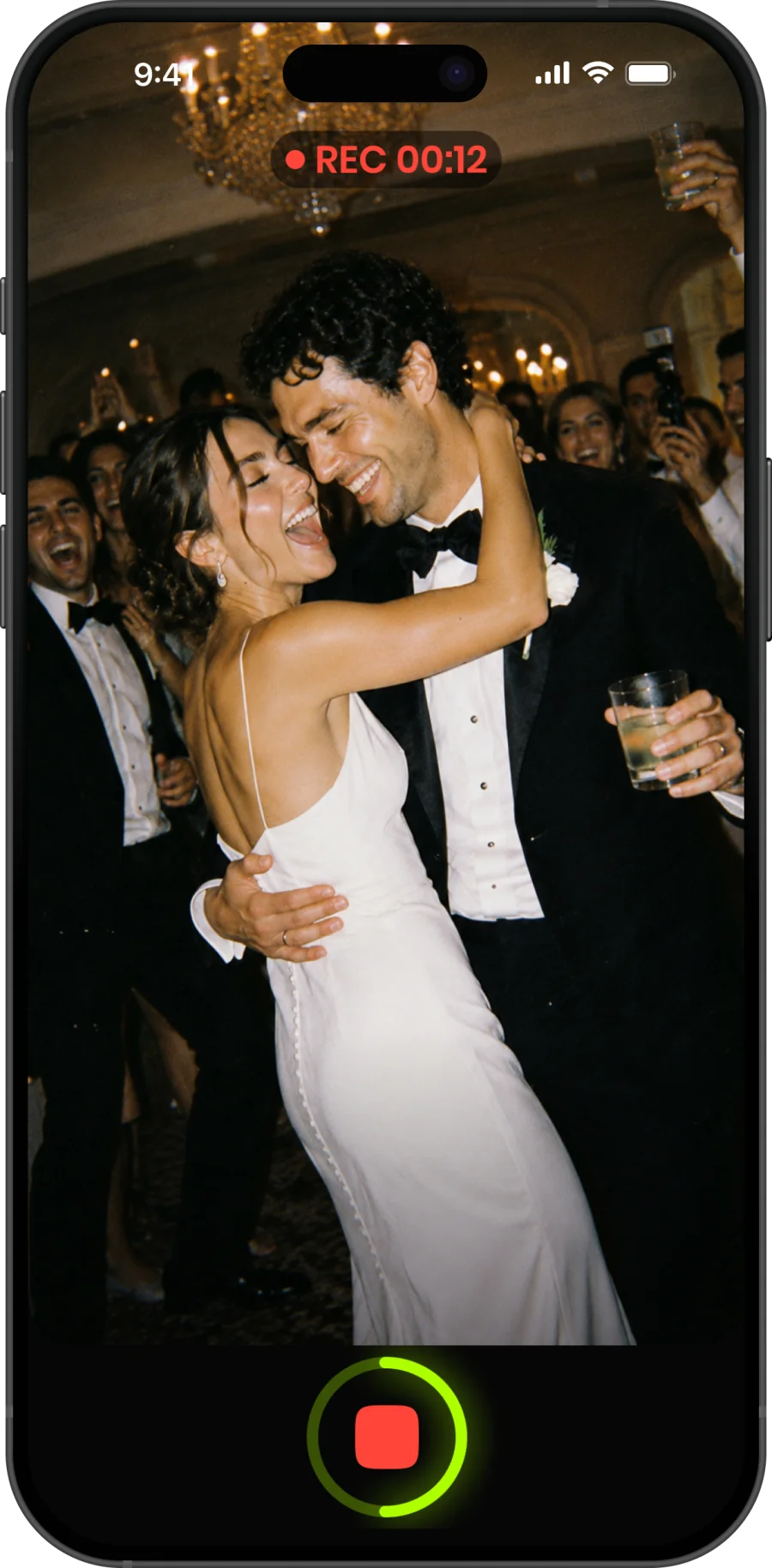
Up and running in 60 seconds.
No complicated setup. No app install for guests. Just create, share a QR, and collect every shot.
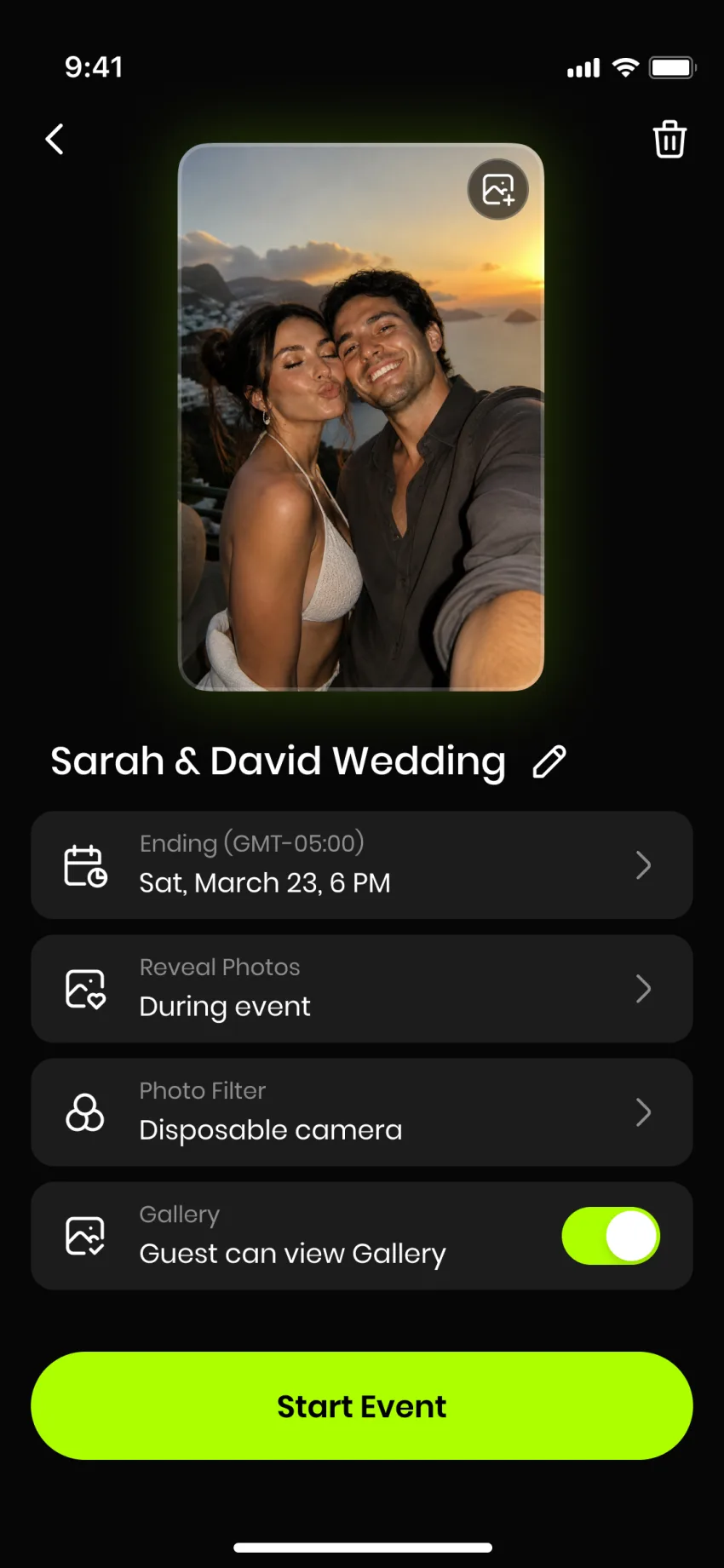 Step 01
Create Your Event
Name your event, set the date, choose a cover and pick how many guests. Takes 30 seconds.
 Step 02
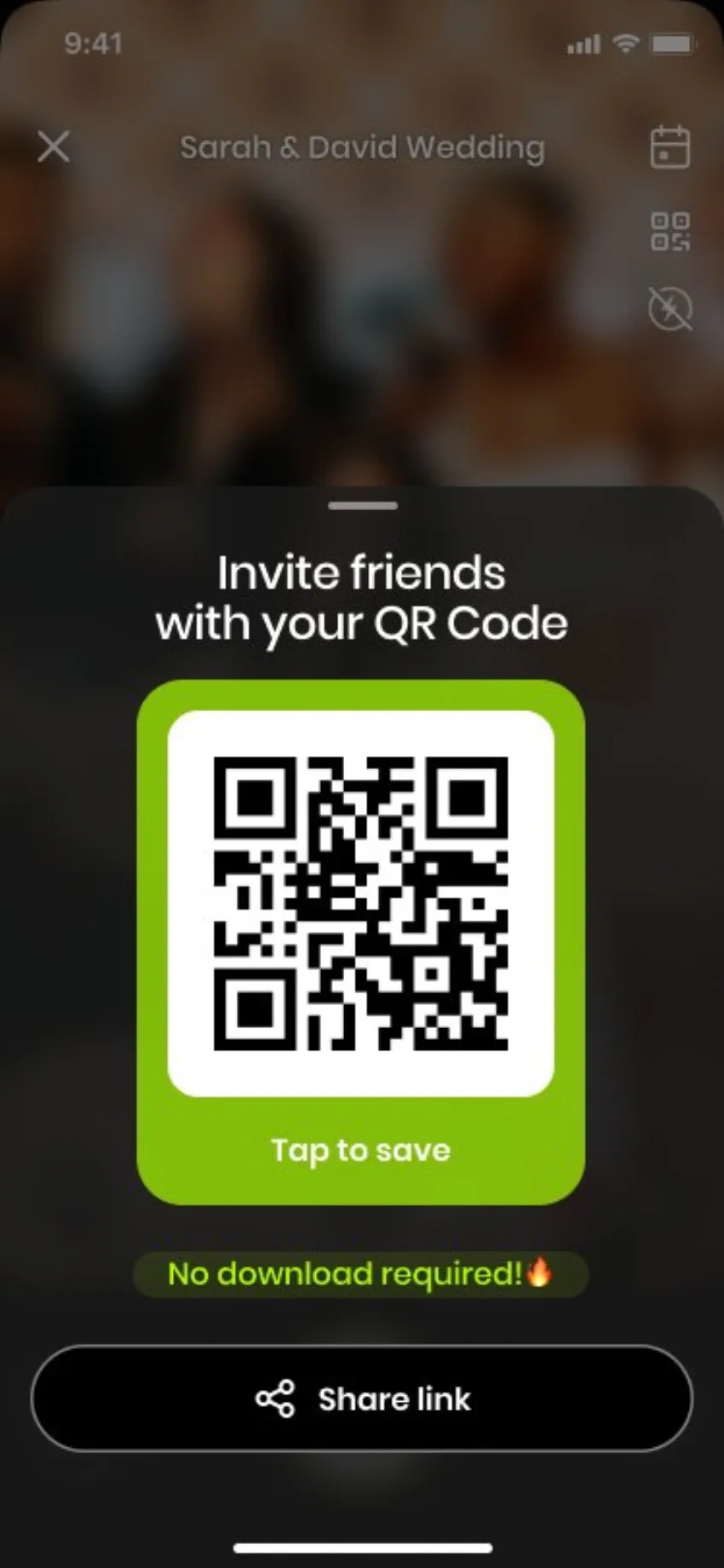
Share the QR Code
Guests scan and shoot immediately from their browser. No download required.
 Step 03
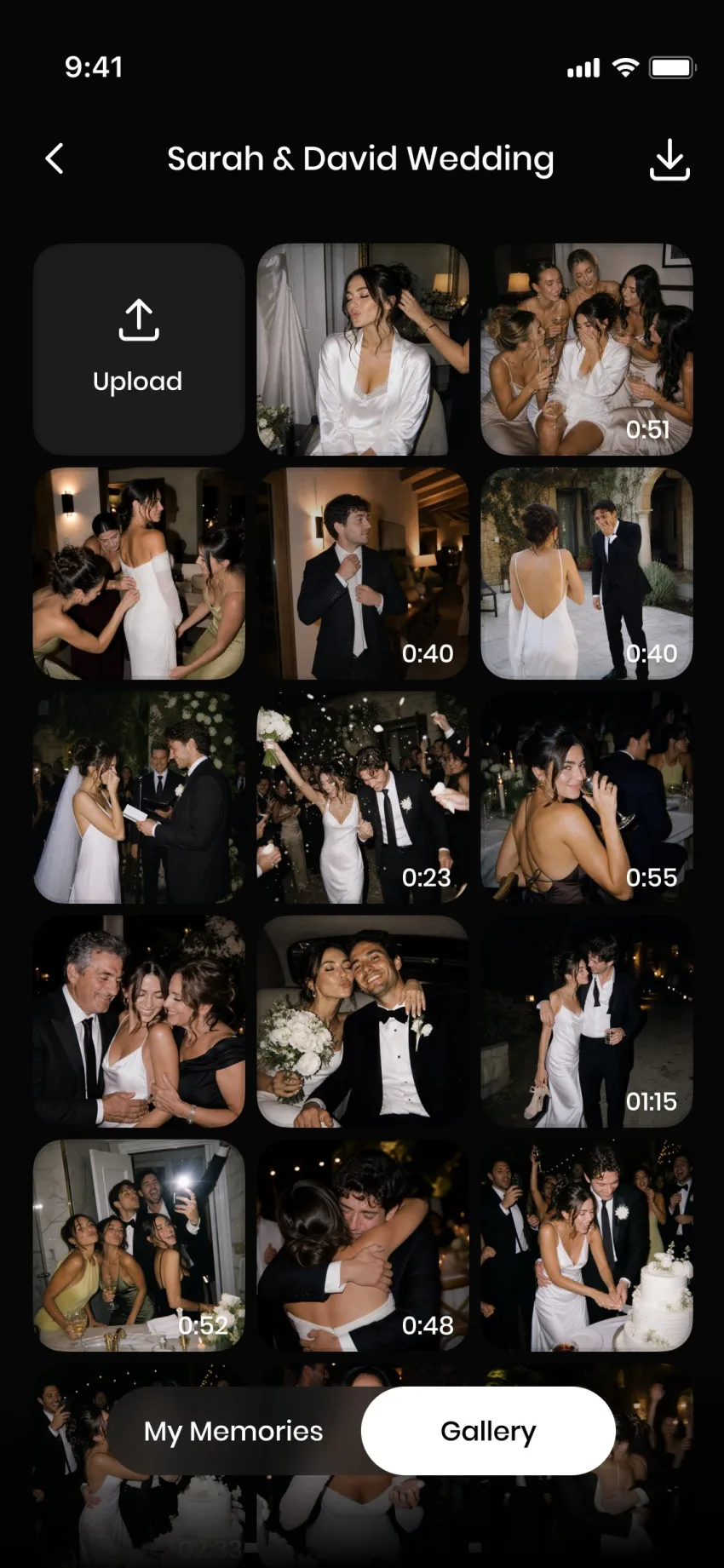
Collect Every Shot
Every photo and video lands in your shared album in real time. Download everything after.
Built for any gathering worth remembering.
Each event type has its own page with examples, pricing, and the right setup tips.
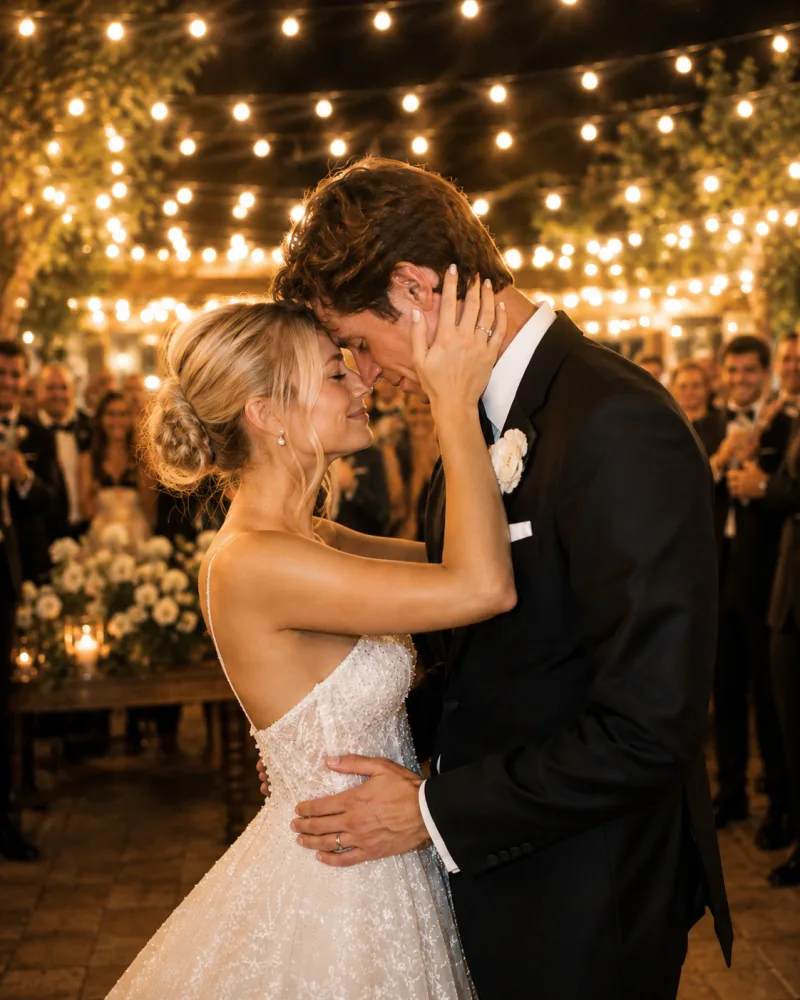
Weddings
Every guest, every angle
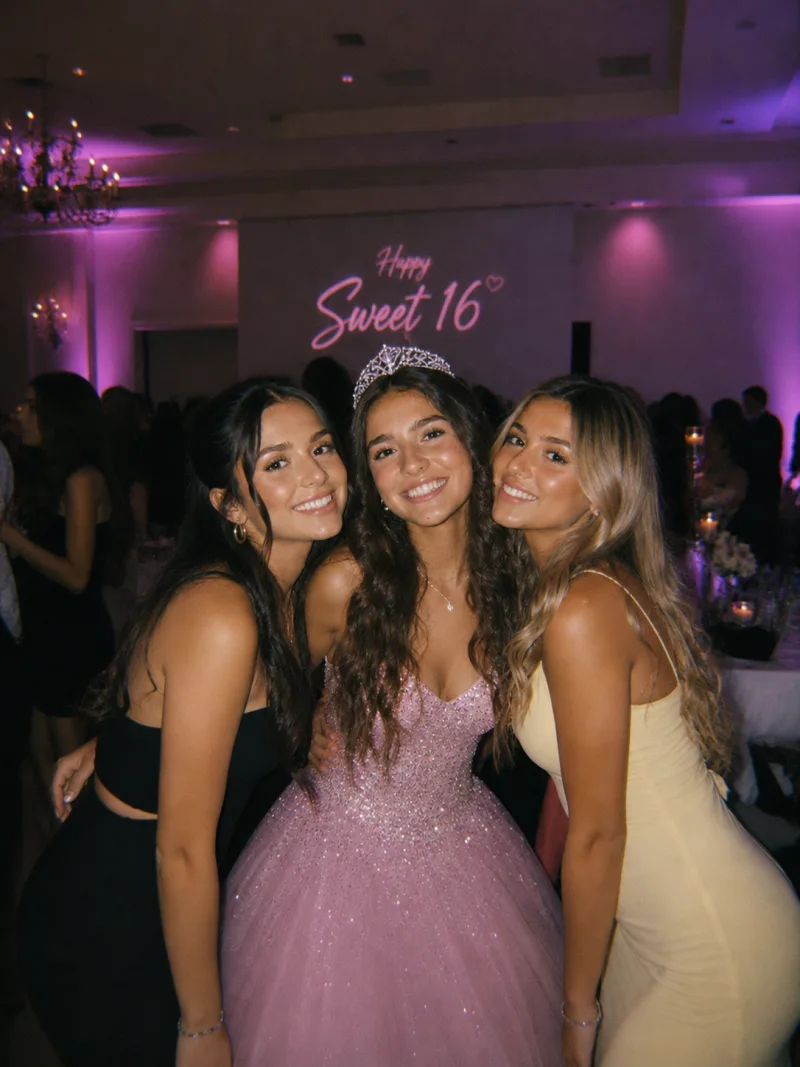
Birthdays
POV from every guest

Baby showers
One keepsake album

Engagement parties
The ring, the reactions

Schools
Captured by the kids
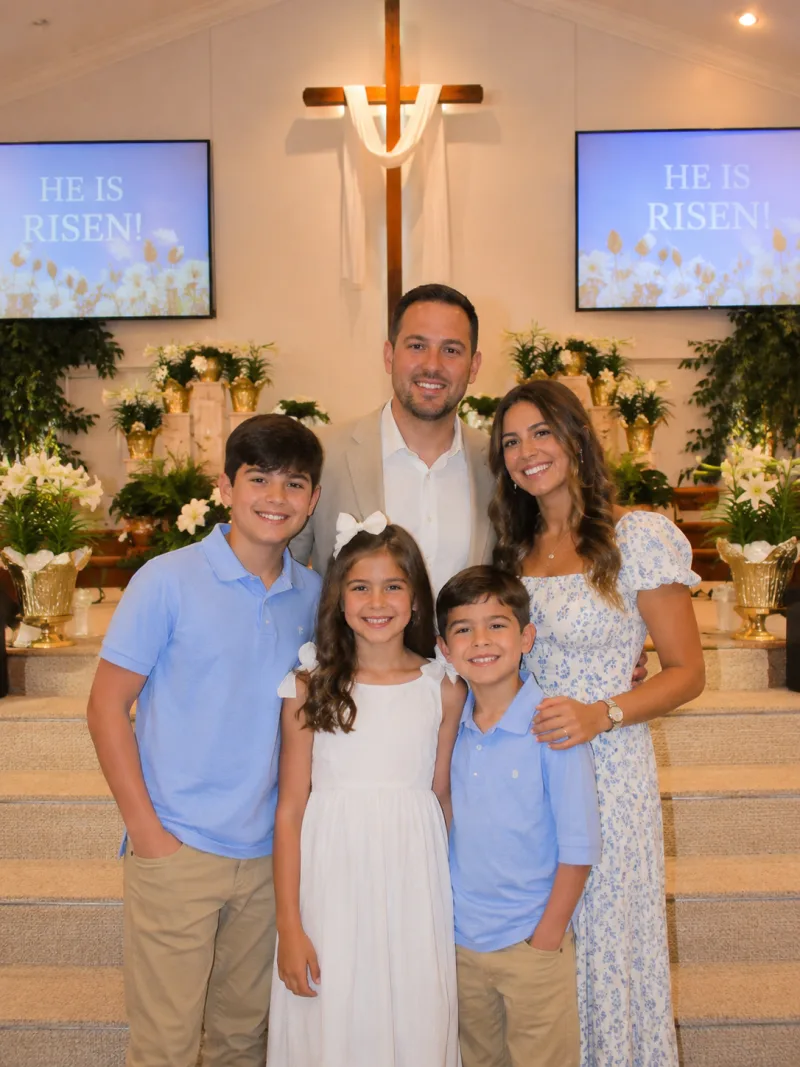
Religious events
The in-between moments

Bridal showers
Brunch, games, gifts

Conferences
Every attendee's POV
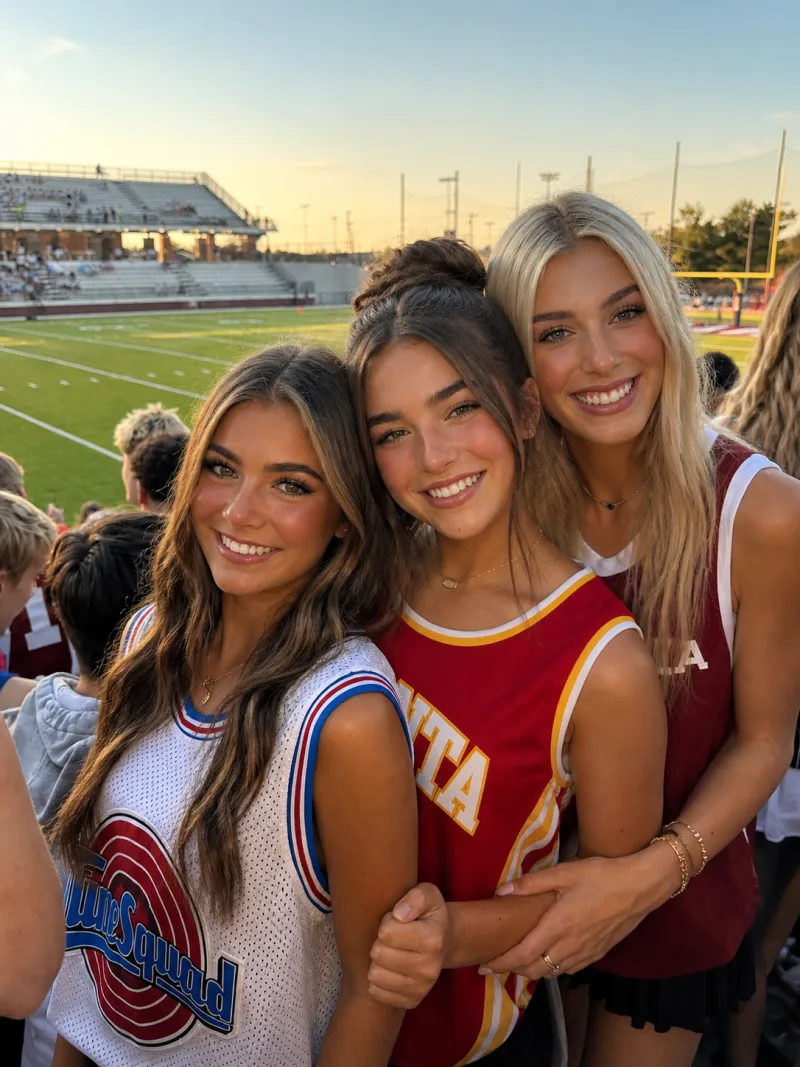
Sports events
Every parent's sideline
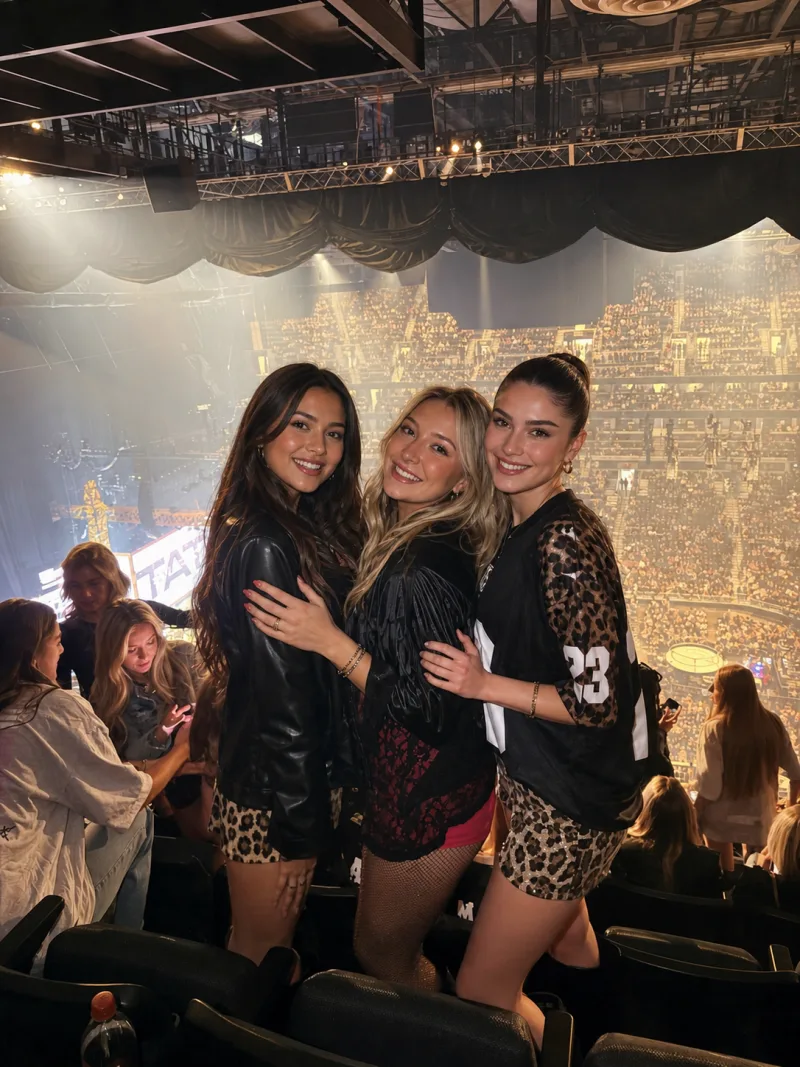
Concerts
From every seat

Corporate events
One branded album
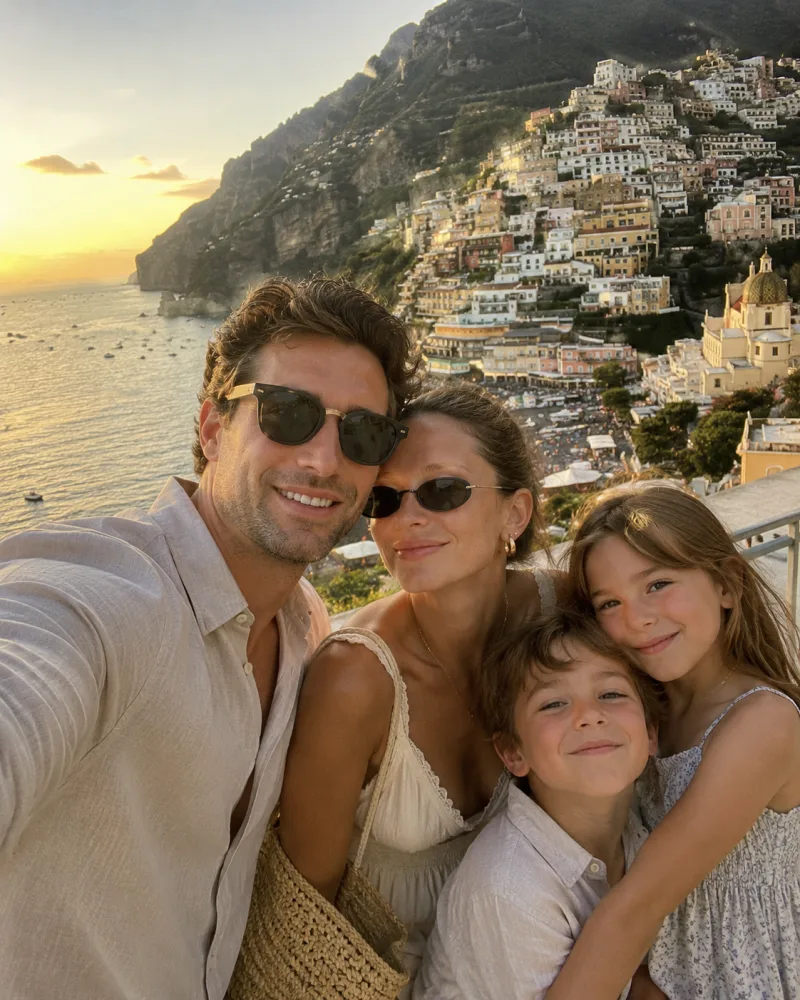
Trips
One shared trip roll
Everything you need — nothing you don't.
No app for guests
Scan the QR code and the camera opens in the browser — iPhone or Android, no install, no account, no sign-in.
One shared album
All photos from all guests in one place — no AirDrop chaos, no shared Google Photos folder.
Shots per guest
Each guest gets a roll of photos and videos, 25 or more depending on your event. Encourages thoughtful shots and keeps the album curated.
Live reveal or after-party
Show photos as they're taken, or hold them all until after the event for a big reveal.
Host moderation
Remove any photo in a tap, pause uploads mid-event, and let guests report a photo to hide it instantly. Add NSFW blocking and any explicit photo is removed automatically.
Download everything
Bulk-download all photos at the original resolution after the event. No watermarks, no expiry.
Put the album on the big screen.
TV mode turns any screen in the room into a live photo wall. Guests scan, shoot, and their photo is up seconds later, with the QR code right beside it so the next person can join from their seat.

Live, not a slideshow you made
New photos jump to the front as they land. Between arrivals the wall walks back through the night, so a quiet stretch reprises the party instead of freezing on one face.
The QR never leaves the screen
The join code sits beside every photo all night, and switches to Last call 45 minutes before the album closes.
Works with the TV you have
AirPlay from a Mac or iPhone, a Chromecast, an HDMI cable, or a smart TV's own browser. One button goes full-screen and keeps the screen awake.
Respects your reveal setting
It shows only what guests can already see. Set photos to reveal after the party and the wall counts them up on screen instead, then fills itself the moment the reveal opens.
Built so the album stays yours.
Guests never sign in, anything can be removed in a tap, and explicit photos can be removed automatically.
Guests stay anonymous
No app, no account, no email. A guest scans and shoots, and their photos carry a random tag rather than a name.
Block NSFW photos
Add it when you create your event and any photo that looks sexually explicit is removed from the album automatically. Swimwear is fine.
Report a photo
Any guest can report a photo and it disappears from the album that second. You see why it was reported and decide whether it comes back.
You own the album
Remove any photo, pause uploads mid-event, delete the whole event, or download everything at full resolution. Photos are used to run your album and never for advertising.
More from PartyCam, free to use.
Disposable camera app
A limited roll per guest, a film look, and a morning-after reveal. The party disposable camera that is already in everyone's pocket.
Photo booth app
The three different things people mean by it, what each one costs, and which one your event actually needs.
Free QR code generator
No sign-up, no expiration, no watermark. A print-ready PNG or SVG, made in your browser.
Wedding hashtag generator
Two names in, printable hashtag ideas out. Nothing you type leaves your browser.
“All my guests loved it!”
Wow, it's a super cool idea. We were celebrating a Friendsgiving and used the app. It was just a flawless experience. And the next day we were all laughing about the dinner!
Used PartyCam at our wedding. 200+ guests, over 600 photos collected without any effort. The bride's reaction when she saw the album was priceless.
Company retreat with 120 people. PartyCam gave us authentic content no photographer would have caught. Marketing team had content for months.
Your event, your price.
Pay once, keep your photos forever - no subscription.
Drag the slider to match your guest list.
Sales tax is calculated at checkout where applicable. Prices are in US dollars.
✨ Every aunt, every angle. Yes - even Uncle Steve's.
Already have the app? Open the App Store
- Guests shoot from their browser, nothing to download
- Live shared album, photos appear instantly
- Host controls album privacy and photo reveal timing
- Host moderation and guest reporting
- Full-resolution downloads, no watermarks
All prices
- Up to 10 guestsFREE
- Up to 50 guests$14.99
- Up to 100 guests$34.99
- Up to 175 guests$64.99
- Up to 250 guests$89.99
- Up to 500 guests$149.99
One-time payment, not a subscription. Sales tax is calculated at checkout where applicable. Prices are in US dollars.
Common questions.
Make every moment unforgettable.
Set up your event in two minutes. Share a QR code. Watch the album fill up.
Free to try - no card needed.
Prefer to set up in the app?