A common post-wedding moment: the professional photos are gorgeous, but the guest photos — the candids, the dance-floor chaos, the moment your grandmother saw the venue for the first time — are sitting in a gallery you've scrolled through three times and forgotten about.
The honest truth is that most couples never do anything with their guest photos. They live in an app, then a cloud backup, and slowly become unmemorable as the years pass. Here are 12 practical things you can actually do — most of them inexpensive — to make sure those photos earn their place in your home and your memory.
 Photo by www.kaboompics.com on Pexels.
1. The "Curated 50" Print
The single highest-ROI move with your guest photos is to print a small, curated set within the first 60 days after the wedding. Pick 30–50 photos that capture the feeling of the day — not the staged moments your photographer already nailed, but the candids only your guests caught.
Print them as 4x6s on matte paper. Stack them in a simple linen photo box. Cost: $30–$50. This becomes the box you actually pull out when guests visit, when you have anniversaries, when someone asks "show me your wedding photos."
2. The Disposable-Style Photo Book
A 6x6" softcover or hardcover photo book of guest photos specifically — separate from your "professional" wedding album. Format it casually, like a disposable-camera-scan zine, not like a formal album.
Tools: Artifact Uprising, Mixbook, Mpix, Chatbooks. The "casual" book formats run $25–$70. The trick is to use the guest photos here, not the pro shots — those go in the larger formal album.
3. A Wall Grid in the Hallway
Six to twelve guest photos, all 5x7 or 8x8, in matching black or natural-wood frames, arranged in a simple grid in a hallway. The "hallway grid" works because hallways are where people pause briefly without thinking about it — perfect for photos that reward a second look.
Pick photos that have one strong subject each (no group photos in this format), and skew toward candids over portraits.
4. A Single Statement Print
One photo from the guest gallery, blown up large (16x20" or 20x30"), framed and hung somewhere prominent. The "one perfect candid" approach.
This works better than people expect because it's almost always a guest photo, not a pro photo, that becomes the one image you want huge — usually a wide shot of the dance floor, a candid from cocktail hour, or a moment that the photographer wasn't physically there for.
5. The Annual Anniversary Slideshow
Build a slideshow of 80–120 photos that you and your partner watch together every wedding anniversary. Use a tool that loops automatically with music — TV slideshow apps, Apple TV screensavers (built-in), Plex.
Refresh the slideshow every 5 years. Add a few photos from the wedding that you've since fallen back in love with. Remove the ones that feel less essential. It becomes a living anniversary tradition.
6. A Photo Calendar
Use 12 guest photos to make a wall calendar for your first married year. This is a great gift for parents and grandparents, and a low-effort way to "do something" with the gallery.
Photo calendars from Mpix or Shutterfly run $25–$40 each. Order 4–6 copies; give them to family.
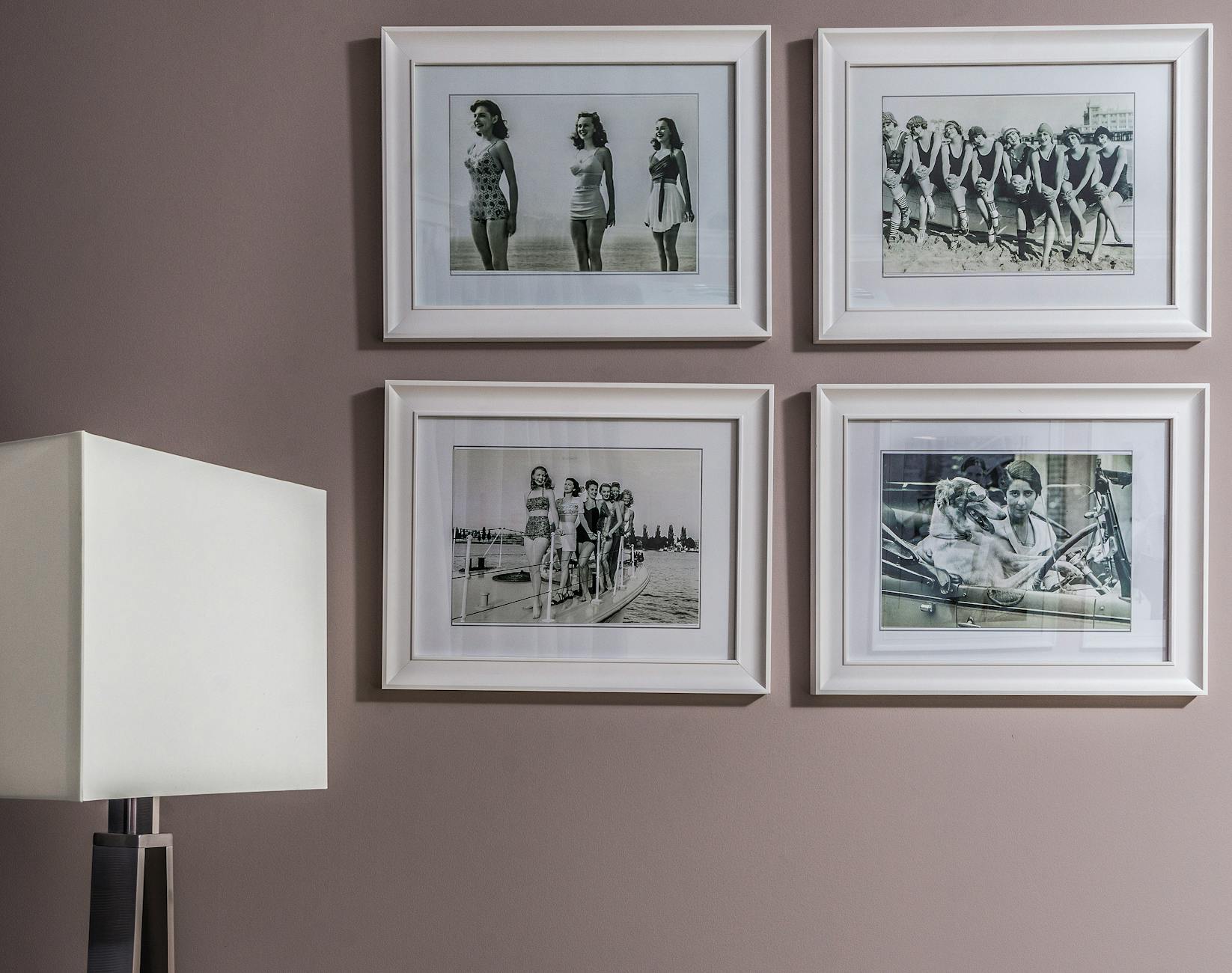 Photo by Max Vakhtbovych on Pexels.
7. Polaroid-Style Wall
A wall of small (3x4 or 4x4) printed "polaroid-style" prints with white borders, hung on string lights or pinned in a deliberate grid. Cheap to print, easy to swap out, and makes the photos feel ephemeral and beautiful rather than precious.
Use this for the "good but not amazing" photos — the ones that don't deserve a frame but are too good for the cloud.
8. A Custom Hardcover Album
For couples who do want a formal "wedding album" but want the guest photos included, build a custom album that mixes pro and guest photos. The pro photos go in the formal page spreads; the guest photos go in the "between" pages and the candid sections.
This is the most expensive option ($200–$600 depending on size) and the most time-consuming to design, but it's the most enduring artifact.
9. A Digital "Family Archive" Folder
Practical, not aesthetic, but essential: build a clearly-named folder structure for the photos in your long-term cloud storage. Something like:
Wedding/
  01_Pro_Photographer/
  02_Guest_Gallery/
  03_Bachelorette/
  04_Engagement_Party/
  05_Rehearsal_Dinner/
  06_Day_After_Brunch/
Back it up to two different services (iCloud + Google Drive, or Dropbox + Backblaze). In 30 years, the cloud service you're using now may not exist. The folder structure will still make sense.
10. A Stack-of-4x4s in a Frame
A specific format we love: a single 8x10 frame on a side table, holding a stack of 12 to 24 4x4" guest photos that you cycle through. Once a week or so, you swap the photo on top. The whole stack lives in the frame.
Functions as low-key home decor that rotates. It's also a great conversation starter — guests notice and ask about whatever's on top.
11. Send a "Thank You + Photos" Note to Specific Guests
Pick 5–10 photos that feature specific guests, and send them privately. Not as part of a thank-you note — just a separate message a few weeks later: "Found this from the wedding, thought you'd love it."
Most photo apps make this easy with shareable per-photo links. This gesture is wildly underrated — it costs nothing, takes 20 minutes, and is genuinely loved.
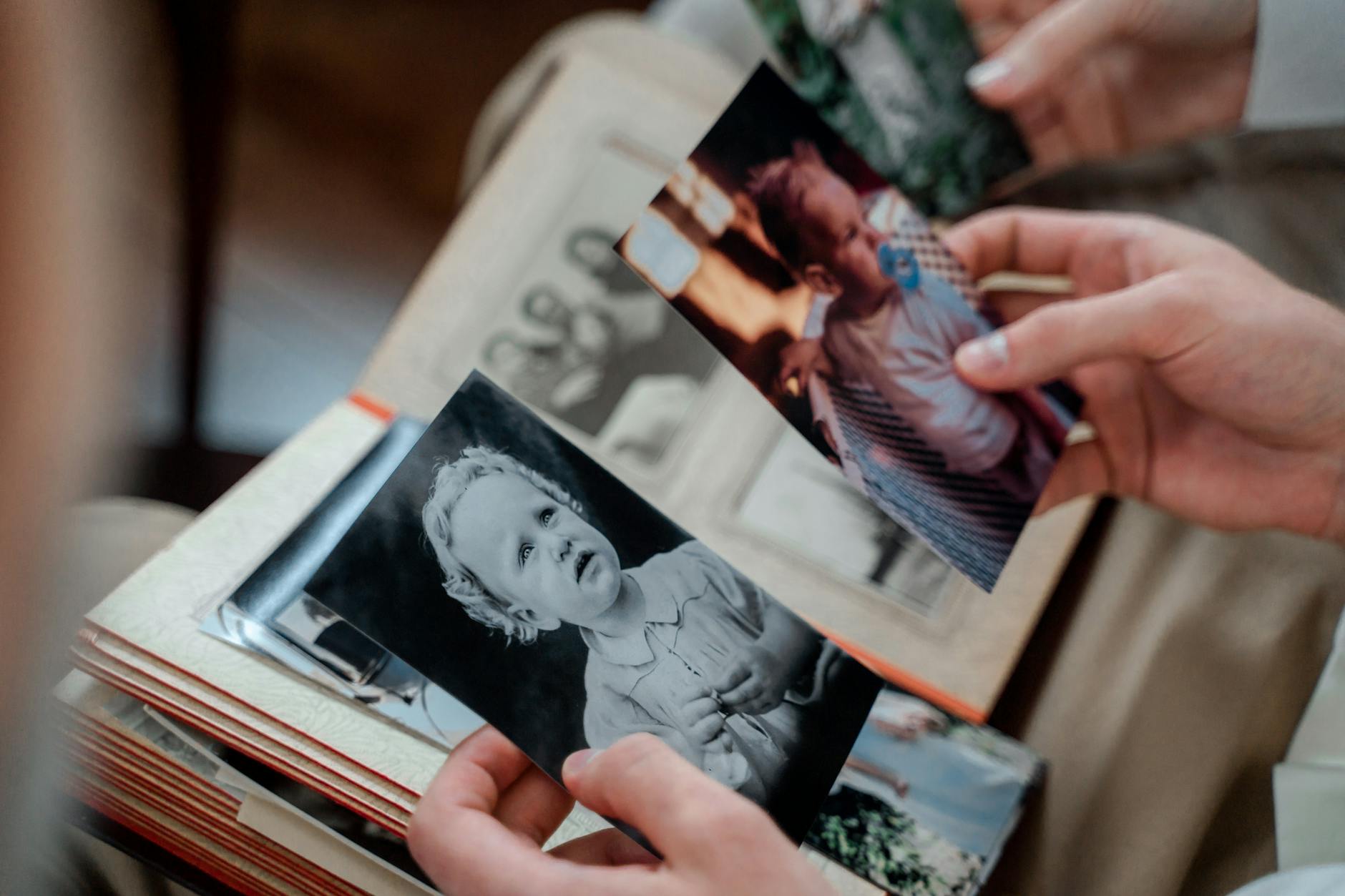 Photo by cottonbro studio on Pexels.
12. The "Memory Tin"
A physical tin or small wooden box holding: 30–50 printed 4x6 guest photos, the actual wedding program, the menu, ticket stubs from the honeymoon, a dried flower from the bouquet, and a hand-written page describing one specific memory from the day.
The tin lives on a shelf and gets opened every few years. It's the most emotional of the options — and the one you'll thank your past self for putting together.
A Note on Photo Selection
Across all 12 options, the same selection principle applies: pick the photos that capture moments only guests could capture. The pro photographer already shot the first kiss and the first dance. They didn't shoot:
- Your dad watching from the side of the dance floor.
- The bridesmaid laughing at a joke you didn't hear.
- The flower girl picking grass during dinner.
- Your grandfather and the groom's grandfather meeting for the first time.
- The empty venue at midnight after everyone left.
These are the photos that age best, and they almost always come from the guest gallery, not the pro photographer. Choose accordingly.
What Not to Do
A few honest "don't bother" items:
Don't print every photo. A 1,500-photo gallery does not need to become 1,500 printed photos. The curation is the value.
Don't expect your partner to do this for you. This is a shared project. If neither of you starts within 90 days, the photos will sit in the cloud forever.
Don't try to do all 12 of these. Pick 2–3. The "curated 50" print stack plus a wall grid plus the digital archive folder is enough.
Don't print photos at the drugstore. Walgreens and CVS prints have come a long way, but they're still noticeably worse quality than Mpix or Artifact Uprising. The price difference is small. Use the better option.
Don't print before the morning-after gallery has settled. Wait at least 1–2 weeks. The first round of "favorites" you'd print right away usually turns out to be different from the photos you'd choose a month later.
How to Choose Which Photos to Print
Three honest filters that work:
1. The "five years from now" test. Will this photo still matter in 5 years? A blurry shot of the dance floor might. A clean shot of the appetizer probably won't.
2. The "who's in it" test. Photos with at least one of your top-15 people in them are usually keepers. Photos of just the venue or food are usually skippable.
3. The "would I feel something if it went missing" test. Look at a photo. Imagine it's deleted. If your reaction is "oh well, plenty of others," skip it. If your reaction is "no, I want that one" — print it.
Timeline: When to Do What
A practical timeline for processing your guest photos:
- Day 1–7: Look at the gallery once with your partner. Don't decide anything yet. Just enjoy.
- Week 2–4: Pick the 30–50 photos you'd want to print as the "curated stack."
- Week 4–6: Order the curated 4x6 prints. Order any frames you need.
- Month 2–3: Build the digital archive folder structure. Back up to two services.
- Month 3–6: Design any albums or photo books (this is when most couples have the energy for the formal album).
- Year 1: Anniversary slideshow.
Frequently Asked Questions
What should I do with all the photos guests took at my wedding?
The fastest high-value action is to curate 30–50 photos and print them as 4x6s in a linen photo box — this becomes the artifact you actually pull out and look at. Beyond that, a small photo book of guest photos, a single statement print on the wall, and a well-organized digital archive cover most couples' needs.
How do you organize wedding photos from multiple sources?
Build a folder structure that separates professional from guest from sub-events (engagement party, rehearsal, bachelorette). Name folders with leading numbers so they sort cleanly. Back up to two different cloud services. Do this within the first 90 days while the energy is still there.
Should I print every wedding photo?
No. A 1,500-photo gallery should become a 30–50 photo printed set. Curation is the value. Printing everything makes the photos collectively less special, not more.
Where can I print wedding photos?
For 4x6 prints, Mpix and Artifact Uprising both produce noticeably better quality than drugstore options at a small price premium. For wall prints, Artifact Uprising and Framebridge are the standard choices. For photo books, Artifact Uprising, Mixbook, and Mpix all work.
How do I make a photo book from guest wedding photos?
Pick 60–100 photos from your guest gallery (separate from the formal pro album). Use a tool like Artifact Uprising, Mixbook, or Mpix. Lean toward casual layouts and bigger photos rather than tight collages. Most couples find a softcover 6x6" or 8x8" book hits the right tone — less formal than the pro album, more substantial than just a print stack.
Should I share guest photos back with my guests?
A curated set, yes. Sending 5–10 specific photos to specific guests a few weeks after the wedding is a thoughtful gesture that almost everyone loves. Sharing the entire gallery publicly is a less popular choice — some couples like it, some find it exposes guests to photos they didn't sign up for.
How long do I have to do something with the photos?
Honestly, 90 days. The energy you have to curate, print, and design albums fades fast after that. Set yourself a soft deadline — even just the "curated 50" print stack within 60 days — and the rest tends to fall into place.
Related reading:
- The Best QR Code Wedding Photo Apps Compared [2026]
- Wedding Photo Reveal Ideas: When and How to Share Guest Photos with the Couple
- How to Get Wedding Guests to Actually Take Photos
About PartyCam: PartyCam is the QR-code event camera app for weddings, parties, and any gathering, with photos and videos in one shared album. After the wedding, you get a full export of every photo for printing, archiving, and the year-one anniversary slideshow. No downloads required from guests (App Clip on iOS). Try it free for your event.