Here's the truth nobody admits in the wedding planning forums: most guests don't take many photos at weddings unless something prompts them to. They show up, they hug, they cry a little during the vows, they eat, they dance, and they post one Instagram story — usually the cake or the first dance — and that's it.
If you're hoping to crowdsource the candid moments your photographer can't catch — the cocktail-hour laughter, the grandparents talking to your friends, the after-party — you have to give guests an easy reason and an easy way. The good news: it doesn't take much. The bad news: most couples either do nothing, or they over-do it to the point of awkwardness.
Here's how to thread that needle.
 Photo by Danik Prihodko on Pexels.
The Real Problem: Why Guests Don't Take Photos
Before solutions, understand what's actually happening on the guest side. Three honest reasons:
1. They feel weird taking out their phone. At a ceremony especially, there's a strong social cue that phones are rude. Most well-behaved guests put their phone away for the entire day to be safe.
2. They don't know what to do with the photos. They might shoot one or two, but they're not going to airdrop you 50 random shots. So most guests don't bother — there's no clear "destination" for the photo.
3. They forget. They're a guest. They're catching up with someone they haven't seen in five years. They aren't thinking about your content strategy.
Every tactic below addresses at least one of those three.
Tactic 1: Signage That Tells Them to Do It (And How)
The single highest-ROI move is a clear sign at the entrance and on every table. Not a passive "share your photos" — a directive one.
Good examples we've seen at recent weddings:
"Be our second photographer. Scan to capture and share — no downloads, no app."
"Help us see today through your eyes. Scan, shoot, send."
"Our photographer can't be everywhere. You can. Scan to add to our gallery."
Two design notes that matter more than the wording:
- Big QR codes work better. Aim for 2.5" minimum. Tiny QR codes at the bottom of a centerpiece never get scanned.
- Show one photo as an example. A small black-and-white preview of "the kind of shot we want" sets expectations way better than text.
Tactic 2: Place QR Codes Where They'll Actually Be Scanned
The bottleneck is almost always sightline and timing. The two highest-performance placements:
At the entrance/welcome sign — guests scan once when they arrive, the camera is now bookmarked or opened in their browser for the rest of the day. This single placement does the heavy lifting.
On the cocktail-hour bar menu — guests are standing around, drinking, and bored for 30 seconds while their drink is poured. This is the highest "willing to scan a code" moment of the entire wedding.
Lower-performance placements people overuse: table center cards (people have to lean in to scan), bathroom signs (cute but low traffic), and dance-floor signs (people are dancing).
Tactic 3: The MC or Officiant Says It Once
One mention from a person with a microphone is worth more than ten signs. The key: it needs to be one mention, not five, and it should be casual.
A good script:
"Quick note from [Bride] and [Groom] — there are QR codes on each table. If you take a photo today, point your camera at the code and it'll add it to their shared album. No downloads. They'd love to see the day through your eyes."
Place it during the reception welcome speech, not during the ceremony. Once is enough.
Tactic 4: Make Participation Frictionless
The biggest variable in guest participation is download friction. The numbers are stark:
- Apps that require an App Store download: 40–60% participation.
- Apps that work via a QR code straight to the web camera: 70–85% participation.
Every install screen drops participation by 30–40% on its own. If your chosen photo system requires guests to download anything, you've made the structural choice that limits how many will participate.
If you want maximum guests in the gallery, choose a tool that works on a single QR scan with no install. (This is why most newer wedding photo apps are web-based instead of native — the math just doesn't work otherwise.)
 Photo by Eric Lemon on Pexels.
Tactic 5: Don't Beg, Don't Lecture
Two things to avoid:
Don't make guests feel guilty. Pre-wedding messages like "remember to take photos!" or "we expect everyone to use the gallery" land as nagging.
Don't give a long speech about your photo policy. A two-minute explanation of "no phones in ceremony, phones in reception, please scan QR codes, please post on Instagram with this hashtag, please don't post until we do" overwhelms people, and they default to doing nothing.
The rule of thumb: one sentence on the welcome sign, one mention by the MC, QR codes visible everywhere. Nothing else. Trust the design.
Tactic 6: Use Pre-Wedding Communication Strategically
You can earn some momentum before the day starts. A few lightweight options:
- A line on the wedding website. Something like: "We've set up a guest photo gallery — there'll be QR codes at the reception. We'd love to see the day through your eyes."
- A line in the wedding program or menu card. "Help us collect candid photos — scan any QR code at your table."
- An optional pre-wedding email. If you're emailing guests details the week of, mention the photo gallery as one item. Don't make it the whole email.
What doesn't work: a separate "photo participation" email. Guests ignore it, and you look intense.
Tactic 7: The Reveal Is the Reward
The single best motivator for guest photo participation isn't pre-wedding nudging — it's the post-wedding payoff. Guests who know they'll see the gallery the next morning shoot more during the night.
If your photo system has a built-in "reveal" — a moment when all the photos drop the morning after, like film being developed — say so on the signage:
"Photos revealed tomorrow morning. Scan to be part of it."
That single line lifts participation noticeably. It turns the gallery from "send your photos to the couple" into "join the gallery you'll see tomorrow." Guests are taking photos for themselves too.
Tactic 8: Strategic Seating
This one is less obvious but it matters. The guests who take the most photos at any wedding are almost always:
- Female friends of the couple in their 20s and 30s
- Couples on a third date who want to look engaged
- One specific aunt or uncle who is the documenter of the family
If you can, scatter these people. Don't put all five of your photo-positive friends at one table — spread them across the room so every section of the reception has at least one prolific contributor.
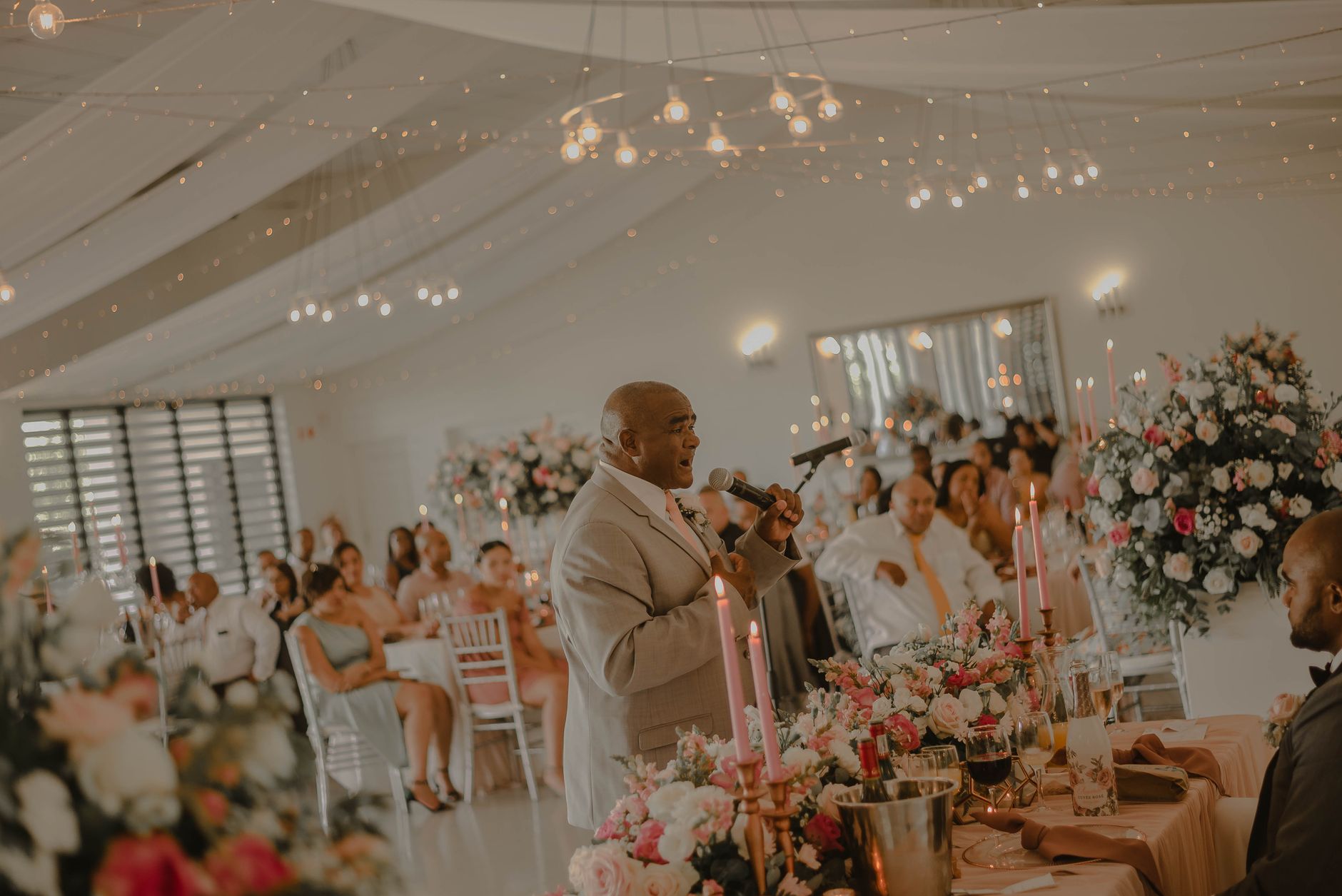 Photo by Jay jay Redelinghuys on Pexels.
Tactic 9: Don't Compete With the Photographer During Formal Moments
Some moments belong to the photographer, period: the first kiss, the first look, the cake cutting, the first dance. If guests crowd these with phones, your professional shots are ruined.
The cleanest way to handle it: ask guests not to photograph these specific moments. "Phones down for the kiss, please" — once, by the officiant. Then explicitly invite phone use during cocktail hour, dance floor, and post-dinner. Make the boundary about when, not whether.
What Not to Do
A short list of moves that backfire:
- Setting up a Dropbox link in your wedding invitation. Almost no guest will click it.
- Asking guests to text photos directly to your phone. They won't. And if they do, it's an iMessage nightmare for you.
- Using a hashtag-only strategy. Most guests don't post on Instagram, and the ones who do don't always tag.
- Asking for "all your photos" after the wedding. Guests delete photos within days. The window for asking closes fast.
- A "no phones" reception. This is your call, but you can't ask for guest participation and ban phones at the same time.
Putting It All Together
The minimum-viable setup for actual guest photo participation:
- Pick a tool that works via QR code without a download.
- Print one welcome sign and ten table cards with the QR code, prominent and clearly worded.
- Have your MC mention it once at the start of the reception.
- Make sure your tool has a delayed "reveal" the next morning, and put that on the signage.
- Let it run.
That's it. Don't over-engineer it. Don't email guests three times. Don't have your wedding planner harass people. Let the design do the work.
Frequently Asked Questions
How do you get wedding guests to take pictures?
The most effective combination is: visible QR-code signage at the entrance and on every table, a single mention from the MC at the start of the reception, and a tool that doesn't require guests to download an app. Doing all three lifts participation from a typical 20–30% (passive) to 70%+ (designed).
Is it tacky to ask guests to take photos at your wedding?
No, as long as you're clear, brief, and don't beg. One welcome sign and one MC mention is appropriate. Anything more — like multiple emails, lecturing during the speech, or guilting people — comes across as needy.
Should I tell guests not to post photos on social media?
If you want first rights to your professional photos, yes — but say it gently and in one place. A line on the welcome sign like "We'd love your photos for our gallery — and please hold posting on social until tomorrow so we can share the news first" is enough.
What's the best wedding photo sharing app?
The best apps for actually getting guests to participate are QR-code-based and require no download. Look for apps that work in a guest's web browser, have a delayed "reveal" feature, give you ownership of the originals, and let you export the full gallery after the event.
Will guests download a wedding photo app?
Some will, but most won't. Apps that require an App Store download see participation rates around 40–60%. Apps that work via a QR code straight to a web camera see 70–85%. If maximum guest participation matters to you, choose a no-download tool.
Do I need to ask guests in advance to take photos?
A line on your wedding website is enough. A separate "please take photos" email is overkill and tends to be ignored anyway. The signs and the MC mention on the day do almost all the work.
How do I get older relatives to participate?
Honestly, most won't, and that's fine. The 20s-and-30s crowd will carry the gallery. If your over-60 relatives are tech-comfortable, the QR-to-web-camera approach works for them too — no download means no friction. For older guests who really aren't on phones, leave 2–3 real disposable cameras at their tables as a backup.
Related reading:
- The Best QR Code Wedding Photo Apps Compared [2026]
- Disposable Camera App vs Real Disposable Cameras for Weddings
- Wedding Photo Reveal Ideas: When and How to Share Guest Photos with the Couple
About PartyCam: PartyCam is the QR-code event camera app for weddings, parties, and any gathering. Guests scan, shoot, and add to one shared album - no downloads required (App Clip on iOS), no friction, with a real film look and your choice of a live or morning-after reveal. Try it free for your event.