The wedding gets all the attention, but the pre-wedding circuit — engagement party, bridal shower, bachelorette weekend, rehearsal dinner — generates a surprising amount of the photos you'll still be looking at five years later. These events are smaller, more intimate, and harder to capture professionally (you're not hiring a photographer for a Saturday brunch shower).
This is also where a guest photo app makes the most sense, because there usually isn't a professional photographer at all. But not every event needs one. Here's an honest read on where it pays off and where it's overkill.
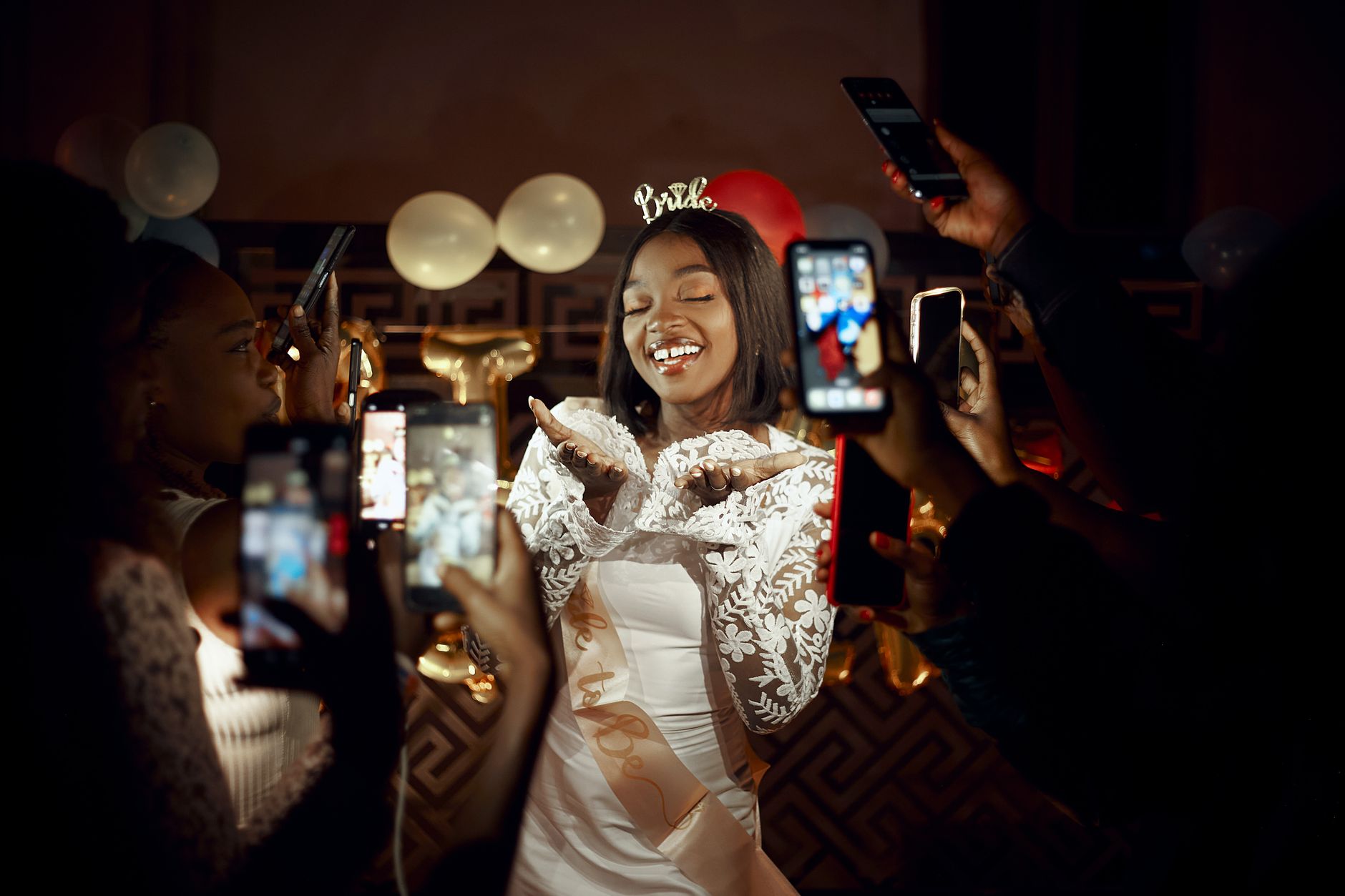 Photo by King Shooter on Pexels.
Quick Answer
- Engagement party: Worth it. Mix of two friend groups meeting for the first time, lots of candids, no pro photographer.
- Bridal shower: Worth it for the host, optional for the bride. Easy way for the bridal party to compile photos for the couple.
- Bachelorette weekend: Worth it. Multiple days, multiple cities, no pro coverage, and the group photos otherwise scatter across 8 different phones.
- Rehearsal dinner: Optional. Smaller crowd, often photographed by the wedding photographer the same night.
- Welcome drinks / after-party: Worth it. These are the moments the wedding photographer most often misses.
The thread: events that are multi-location, multi-day, or photographer-free benefit the most from a guest photo app.
Engagement Party
The engagement party is the first formal moment after the proposal where both families meet, sometimes for the first time, and where two friend groups overlap who'd otherwise never be in the same room. The photo job to be done is documenting first meetings.
Why an app makes sense here:
- Most engagement parties don't have a pro photographer. You're left with whatever someone's iPhone caught.
- The candid mixing — your dad meeting your fiancé's college friends, your sister bonding with your future SIL — is exactly what you'll want photos of later, and exactly what a professional shoot would miss.
- It's a low-pressure venue to test the app and your signage strategy before the wedding. If something's awkward about the workflow, you find out at the engagement party, not at the wedding.
Practical setup:
- One welcome sign at the entrance, three table cards if it's a sit-down, one bar card if it's a cocktail format.
- Mention it once during the welcome toast.
- Use a delayed reveal — let the gallery drop the morning after. Engagement-party guests love the "next morning" reveal because the party is the start of a whole season together.
When it doesn't make sense: A small dinner-party-format engagement gathering of 15 people. At that size, everyone airdropping photos to a group thread is just easier.
Bridal Shower
The bridal shower is small (typically 20–40 people), it's almost always photographer-free, and it has a specific deliverable problem: the host (maid of honor, mother of the bride, sister) wants a compiled photo set to give the bride afterward as a keepsake. Otherwise the photos scatter across 12 phones forever.
Why an app makes sense here:
- The host's job becomes easier — one QR code, one gallery, done.
- The bride gets a complete set of photos as a post-shower deliverable instead of three blurry iPhone shots from her aunt.
- Decorations, gifts, and reactions are exactly the kind of details a single guest photographer misses.
Practical setup:
- One welcome sign by the gift table.
- Mention it in the toast — "Photos from today will go into a gallery I'm putting together for [bride]."
- Use the morning-after reveal so the bride wakes up to a complete album.
Honest note: the bride often doesn't need to be the one to set this up. The maid of honor or the host does it as the gift. This is one of the easier "wedding planner / MOH" hosting wins.
Bachelorette Weekend
This is the strongest case for a photo app of any pre-wedding event, and it's the one most couples overlook.
A bachelorette weekend is typically 2–4 days, in a destination, across multiple venues — Airbnb breakfast, beach day, dinner reservation, late-night bar, brunch the next morning. Photos accumulate on 8–12 different phones across that span. Trying to gather them after the trip is a multi-week nightmare of group-chat reminders that everyone eventually ignores.
Why an app makes sense here:
- Multi-day, multi-location coverage. No human photographer is following you for the whole weekend.
- The "candid drunk on the dance floor" photo and the "tired matching pajamas brunch" photo both belong in the same gallery — only a shared app makes that work.
- The bride often won't see most of these photos otherwise. The bridesmaids posted to Instagram, the photos are buried, no one airdropped them.
- The film/disposable aesthetic — soft grain, blown flash highlights, slight color shifts — happens to fit the bachelorette vibe perfectly.
Practical setup:
- Set up the gallery before the trip starts. One QR code, share it in the bachelorette group chat the day before.
- Bring a small (3x5") laminated card with the QR code in your bag, leave it on the Airbnb counter, the dinner table, the pool deck.
- Use the delayed-reveal feature for the morning-after debrief brunch — the gallery drops, everyone scrolls, hilarity ensues.
A bonus use case: The bride's mother or future MIL is sometimes not invited to the bachelorette for the obvious reasons. A curated, edited subset of the bachelorette gallery is a nice "Sunday morning" share with family.
 Photo by Cynthia Ortega Espinosa on Pexels.
Rehearsal Dinner
The rehearsal dinner is the most optional of the lot. A few reasons:
- It's small (usually 20–60 people).
- It often does have the wedding photographer attending casually.
- It's typically the night before, so post-event organization isn't a priority — the wedding is right there.
When it does make sense:
- The photographer is NOT shooting the rehearsal (some couples don't pay for that coverage).
- It's a destination wedding and you want the welcome dinner / rehearsal compiled with the wedding photos.
- The rehearsal dinner has its own theme or distinct guest list (e.g., out-of-town guests only) that won't be at every wedding moment.
Practical setup if you do it:
- Use the same gallery as the wedding itself. Same QR code, same gallery. Don't make a separate event.
- Don't put signs out — just text the QR code to the small group attending.
Welcome Drinks and Day-After Brunch
These are the unsung pre/post events that the wedding photographer almost never covers, and where a guest photo app is most underrated.
Welcome drinks (the night before the wedding, usually a casual cocktail moment): zero professional coverage, lots of "first meetings" between guests, and great fodder for the candid section of the gallery. Use the same QR code as the wedding.
Day-after brunch (the morning after the wedding): this is the moment the couple most wants documented, because it's the relaxed, tired, married-now version of all their favorite people. Often photographer-free. The morning-after reveal of the wedding gallery itself usually drops here, which makes it an even better app moment.
When NOT to Use a Photo App at a Pre-Wedding Event
A few honest exceptions:
Very small gatherings. Under 12 people, a shared iMessage thread works fine. The setup cost of the app isn't worth it.
Highly private events. If the engagement party is being held for a couple who explicitly don't want photos online — public-facing professionals, security concerns, etc. — don't add a digital gallery. Manual photo sharing is more controllable.
Events with a clear pro photographer hired. If you've paid a photographer to cover the bridal shower, an app is redundant. Pick one or the other.
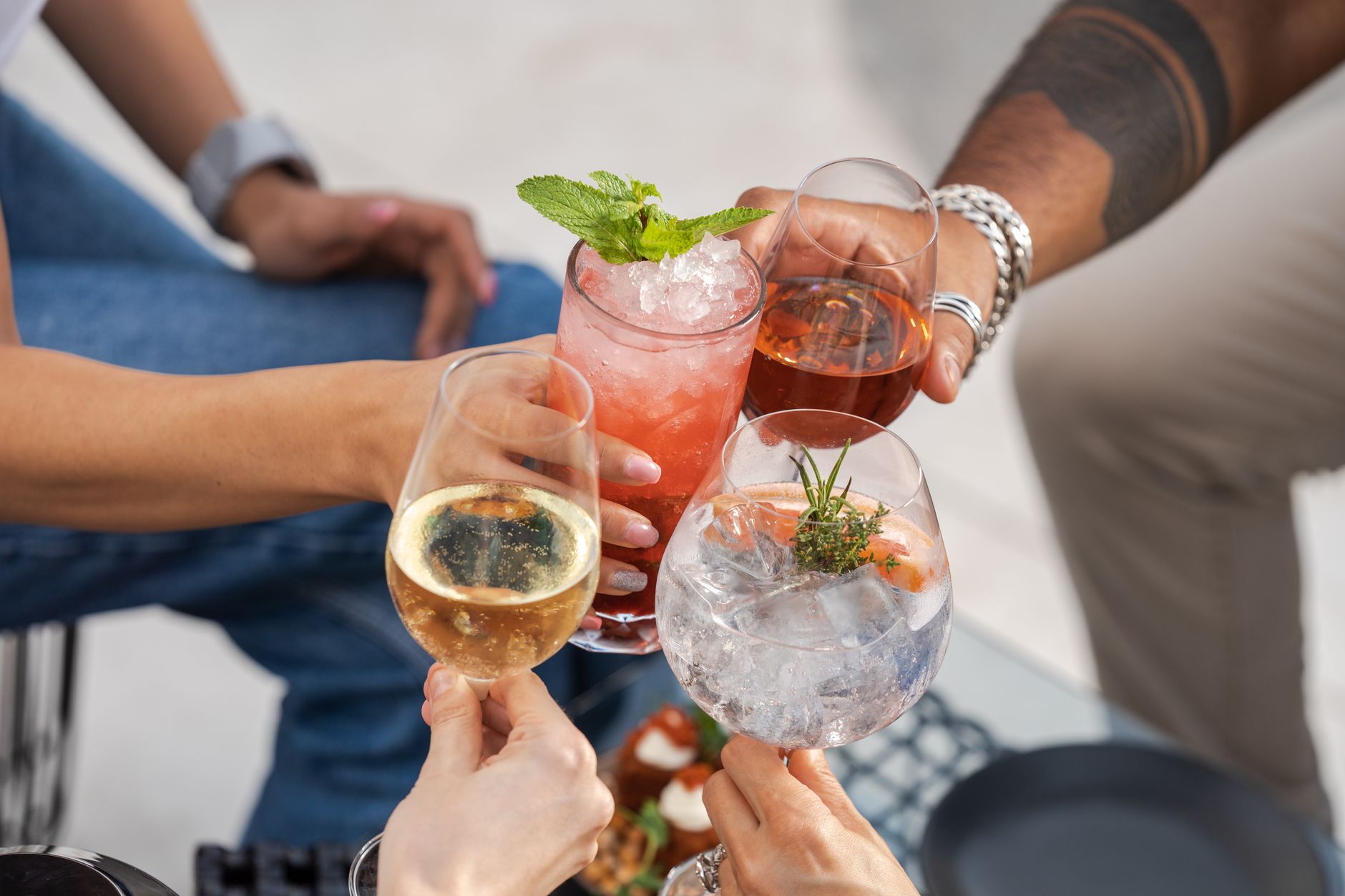 Photo by Denys Gromov on Pexels.
Setup Strategy: One Gallery or Multiple?
A practical question that comes up a lot: should each pre-wedding event have its own gallery, or should they all roll up into one?
The two valid approaches:
One gallery per event — works if each event has different attendees and you want clean separation (e.g., bachelorette photos stay separate from the wedding gallery the in-laws see).
One gallery with event tags or folders — works if you want a chronological photo history of "the whole wedding season." Many photo apps support sub-galleries or event tagging for this.
For most couples: separate galleries for the bachelorette and bridal shower, one shared gallery for the engagement party, rehearsal, wedding, and brunch. That gives privacy where you want it and continuity where it matters.
Pricing Implications
If you're using a photo app vendor that charges per event, the math can add up. Most reputable wedding photo apps offer:
- A multi-event discount or a "wedding season" bundle.
- Free or very cheap tiers for the small events (engagement party, shower) and a paid tier for the wedding itself.
If your provider charges per event, ask about a season package. The marginal cost of adding a pre-wedding event is usually 20–30% of a fresh event fee, not 100%.
Frequently Asked Questions
Do I need a photo app for my bridal shower?
You don't technically need one, but the bride almost always ends up wanting a compiled set of photos and a host (the maid of honor or sister) usually has to gather them manually otherwise. A photo app saves the host that work and gives the bride a complete album.
What's the best way to share photos from a bachelorette weekend?
A shared QR-code photo gallery you set up before the trip starts. Bring a small laminated card with the QR code, put it on counters and tables, and the morning-after-the-trip reveal becomes its own bonding moment at the debrief brunch.
Should engagement party photos go in the same gallery as the wedding?
Yes, in most cases. The engagement party is the start of the wedding season and the candids fit naturally with the rest of the gallery. The only reason to split them is if the engagement party has very different attendees (work colleagues, distant family) you don't want in the wedding gallery.
Is a photo app overkill for a rehearsal dinner?
Often, yes. Rehearsal dinners are small and many couples pay the photographer to attend casually. Use the same gallery as the wedding if you do use an app — don't set up a separate one.
How early should I set up the photo app for pre-wedding events?
Ideally 2–4 weeks before the first event. That gives you time to test the QR code, design the signage, and have a backup if something doesn't work as expected.
Do I need different signs for each event?
The wording can stay the same. Update the QR code only if you're using a separate gallery per event. For a single shared gallery across multiple events, one set of signs works.
What about photos from the destination travel days?
If your wedding involves destination travel — the welcome dinner the night before, the boat the day after — those moments belong in the gallery. Just keep the QR code accessible (a card in the welcome bag works well).
Related reading:
- The Best QR Code Wedding Photo Apps Compared [2026]
- How to Get Wedding Guests to Actually Take Photos
- What to Do With Wedding Guest Photos: 12 Ways to Display, Print, and Preserve Them
About PartyCam: PartyCam is the QR-code event camera app for weddings, parties, and any gathering, including every pre-wedding event: engagement party, shower, and bachelorette. No downloads required (App Clip on iOS), with a real film look and your choice of a live or morning-after reveal. Try it free for your event.