The film aesthetic isn't going anywhere — if anything, it's getting more popular as iPhone cameras get too good and everyone realizes "clean" doesn't mean "memorable." Couples want their wedding photos to look like a Fujifilm 400H point-and-shoot scan, not a clinical 48MP smartphone capture. Disposable-camera apps and film-look filters have built an entire category around solving this.
But not all film looks are equal, and most filters that promise "film" deliver something closer to "vintage Instagram." Here's a working guide to getting an honestly authentic film look on iPhone photos — for your wedding, your bachelorette, and the day-after brunch — and a clear-eyed read on which apps actually pull it off.
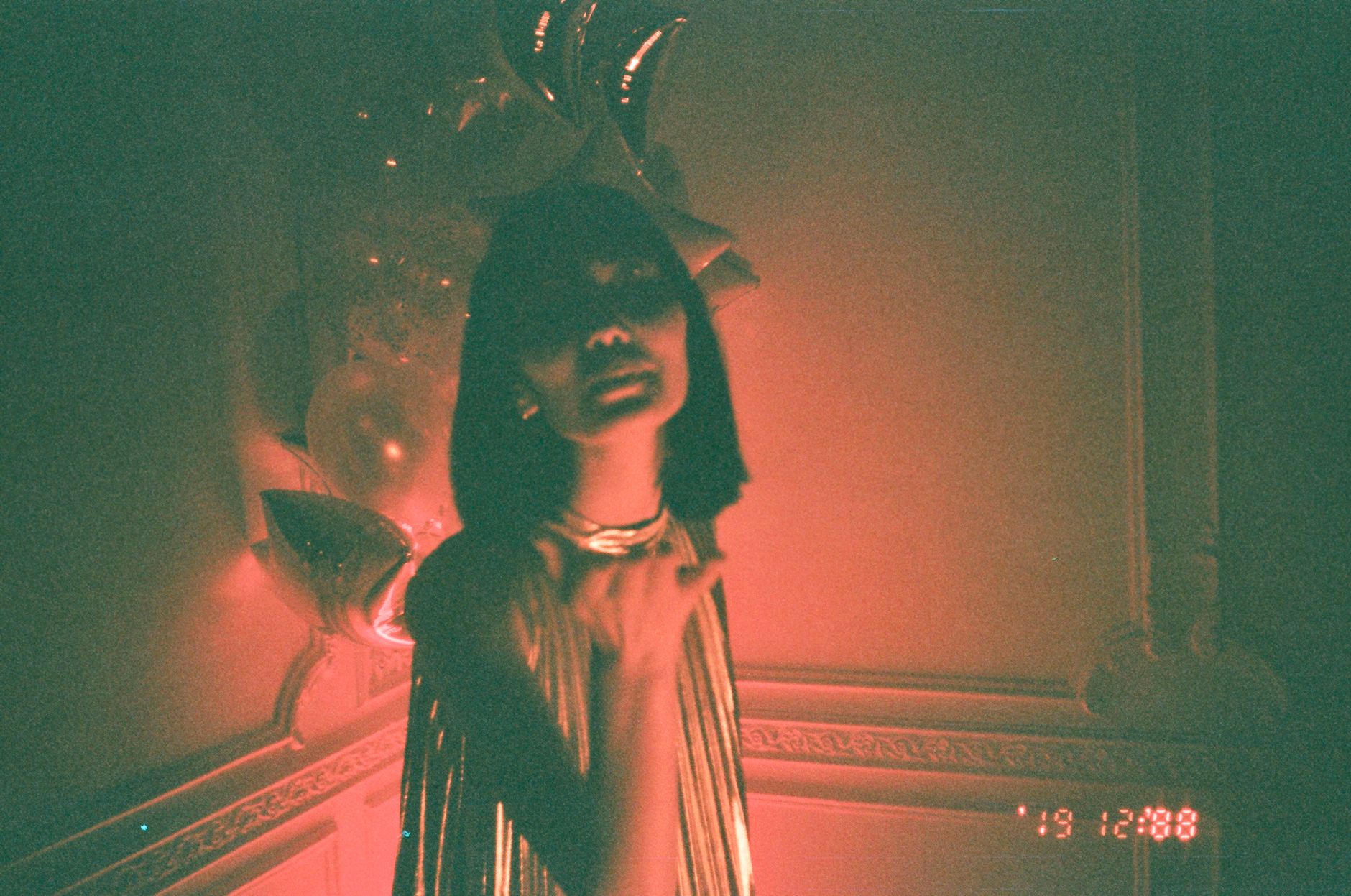 Photo by Inga Seliverstova on Pexels.
What Makes Film Photos Look Like Film?
Before talking about apps, understand what you're trying to recreate. The "film look" is a stack of about six characteristics. A filter that only nails one or two will look fake. A good film-simulation app gets most of them.
1. Grain. Not noise — structured grain. Film grain has a slightly clumpy, organic texture that varies by ISO. Digital noise is uniform and pixelated. Most filters get this wrong by adding flat noise on top of an otherwise clean image.
2. Color shifts. Each film stock has a personality. Fujifilm 400H pushes greens and softens skin tones. Portra 400 warms shadows and keeps skin natural. Cinestill 800T bleeds red around highlights. A real film-simulation engine shifts colors by stock, not just "warmer" or "cooler."
3. Highlight roll-off. Digital sensors clip highlights hard — overexposed becomes pure white. Film rolls off gently — overexposed areas keep texture and shift slightly orange or pink. This is one of the hardest characteristics to fake convincingly.
4. Shadow detail. Film keeps more shadow texture than most filters preserve. Crushing the shadows to pure black is a signature of bad "film" filters.
5. Flash behavior. Disposable-camera photos are flash-dominated, with hot foreground and dark background. A good film-look app for events simulates this — even on an iPhone that handles low light well — because that contrast is the look.
6. Slight imperfection. Real film has dust, light leaks, slight scratches, and occasional color casts from age. Some of this is overdone in cheap filters. The best apps add subtle imperfection at the right rate — not every photo.
The Honest Read on Existing Apps
If you've shopped for film-look apps, you've encountered all of these. Here's how they actually compare for wedding-day use.
VSCO
VSCO is the original photo-filter app and still the most flexible. Their "film pack" presets (A-series, F-series, T-series) cover most film stocks reasonably well. The look is good. The catch:
- VSCO is designed for post-shoot editing, one photo at a time. You can't shoot natively with a filter applied at the wedding.
- The grain engine is okay but not stock-accurate.
- The interface is built for photographers, not for guests at a wedding.
Verdict: Great for post-editing your own iPhone photos after the wedding. Not viable as a guest-capture solution.
Huji Cam
Huji is the most popular "disposable camera" app and what most people mean when they say "the disposable camera app." It nails the aesthetic for casual use — yellow date stamp, light leaks, grain — but:
- It's a heavy filter, not a film simulation. Once you've taken 50 Huji photos, they all look very similar.
- The look is more "2017 Tumblr disposable" than "1997 wedding disposable." Recognizable.
- Each guest has to download the app individually, which kills participation rates at a wedding.
Verdict: Fine for personal use. Not the right tool for a wedding because of the download requirement and the very specific (and increasingly dated) Huji-aesthetic.
Dazz Cam
Dazz is the more sophisticated cousin of Huji — better grain, more accurate color shifts, better stock options. Their "D Half" mode does a credible half-frame film look. But:
- Same download problem as Huji. Wedding guests won't install it.
- The CCD/old-camcorder modes are very on-trend but specific.
- Photo storage is local to each guest's phone, which means you (the couple) have to chase them after.
Verdict: Great personal app. Not viable as a wedding-wide capture system without a wrapper.
Wedding-Specific Film Apps (PartyCam and similar)
The newer category combines a film-look engine with a no-download, QR-code-based capture flow. Guests scan, the camera opens with the film look baked in, and the photos land in the couple's gallery without anyone installing anything.
The trade-offs:
- Less customization than VSCO or Dazz. You usually pick one "look" for the event and run with it.
- Sometimes locked to a specific stock simulation (the disposable-camera look) rather than offering 30 options.
- But the participation rate is dramatically higher because no app install is required.
Verdict: The right tool for the wedding-wide gallery if you want the look applied at capture without making guests download anything. Worse than VSCO/Dazz for power users editing their own photos later.
 Photo by Ahmed on Pexels.
How to Get the Film Look on Your Own iPhone Photos
If you want to manually edit your wedding-week photos for a film aesthetic — engagement shoot, bachelorette weekend, day-after brunch — here's a workflow that works without spending money on a pro plugin.
Capture settings
Shoot in Apple ProRAW if your iPhone supports it (12 Pro and later). RAW preserves the highlight roll-off and shadow detail you'll need in editing. The extra storage cost is worth it for a once-in-a-lifetime event.
If you can't shoot ProRAW, shoot in standard HEIC and accept slightly less editing flexibility.
Avoid shooting in "Photographic Styles" with a heavy preset — the iPhone's "Vibrant" or "Rich Contrast" mode bakes choices into the file that you can't fully undo.
Editing in Apple Photos (free workflow)
You can get 70% of the film look using only the built-in Apple Photos editor:
- Exposure: -0.2 to -0.4. Underexpose slightly. Film tolerates underexposure better than digital tolerates overexposure.
- Highlights: -40 to -60. Pull the highlights down significantly. This recovers the gentle roll-off film has.
- Shadows: +20 to +30. Lift the shadows slightly. Don't crush them.
- Brilliance: -10. Reduces local contrast, which film has less of than digital.
- Saturation: -10 to -15. Slightly desaturated.
- Warmth: +5 to +15. Warm tilt.
- Tint: +5 (slightly magenta). Fujifilm has a subtle magenta cast.
This won't add grain — Apple Photos can't — but the tonal work alone gets you a long way.
Editing in VSCO (better workflow)
If you want true film simulation:
- Apply A6 for a clean, modern film look (Fujifilm 400H-ish).
- Apply C1 for a warmer "documentary film" look.
- Apply F2 for a faded, low-saturation film look.
- After the preset, reduce its strength to about 6–8 out of 12. Full-strength presets always look overcooked.
- Add +2 grain. Use VSCO's grain, not "noise" sliders elsewhere.
- Adjust skin tones one-by-one if there are color shifts that look off.
Adding "disposable-camera" energy
If you specifically want the disposable look (flash, harsh contrast, foreground hot / background dark), the trick on iPhone is to:
- Shoot with the iPhone's flash on in well-lit settings where you wouldn't normally use it. The flash creates the disposable look at capture time, which is impossible to fake convincingly in post.
- Use the wide lens, not telephoto. Disposable cameras had fixed wide-angle lenses, and the look depends on that perspective.
- Don't tap-to-focus too carefully. Disposable cameras had fixed focus and you can get a similar "slightly off" feel by letting the iPhone autofocus on whatever it chooses.
This is where dedicated apps win — they bake all this in at capture time.
For the Wedding Specifically
If you're aiming for a cohesive "film-look wedding album" across professional photos, guest photos, and personal iPhone photos, three things matter:
1. Pick the look before the wedding, not after. Decide if you want Fuji-green or Kodak-warm. Tell your photographer. Use the same look for your guest gallery. Edit your personal iPhone shots to match. A unified palette across all three sources is what makes a "film aesthetic" actually feel cohesive instead of randomly filtered.
2. Don't apply the film look twice. The most common mistake — guest photos come from a film-look app, then the couple imports them into VSCO and applies another preset. The result is muddy, over-grainy, and obviously over-processed. Pick one application of the look per photo.
3. Keep originals. Whatever film-look engine you use, save the unfiltered originals somewhere. Aesthetics change. In ten years you may want a clean version of your wedding photos. Most good apps give you both the filtered and original versions — opt into this.
 Photo by Polina Tankilevitch on Pexels.
A Note on "AI Film Look" Tools
In the last year, AI-based film simulators have improved fast. Lightroom Mobile, ON1, and several dedicated apps now offer "AI film" presets that genuinely match film stocks more accurately than the older filter-based tools. If you're doing post-editing of your iPhone wedding photos in 2026, these are worth a try — but be careful about over-application. AI film tools have a tendency to "over-correct" toward a stylized version of the look that no real film stock actually had.
Frequently Asked Questions
How do I get the Fujifilm look on iPhone?
The closest free workflow is Apple Photos with -0.3 exposure, -50 highlights, +25 shadows, -10 saturation, +10 warmth, +5 tint. For a more accurate Fujifilm 400H simulation, use VSCO's A6 preset at 60% strength with +2 grain. For an at-capture solution, use a wedding photo app with a real film-simulation engine instead of a filter.
Is Huji or Dazz better for wedding photos?
Both are designed for individual users, not group events. They look great for personal use but they require each guest to download the app — which kills participation at a wedding. For a wedding gallery, use a no-download QR-based app that has a film engine built in.
Can iPhone photos really look like real film?
At Instagram and 5x7" print resolution, yes — a good film-simulation engine plus a thoughtful capture setup (use the flash, use the wide lens) produces results indistinguishable from real disposable-camera scans. At 16x20" prints or close inspection, real film still has a small edge in grain authenticity.
What's better, VSCO or Lightroom?
For one-photo-at-a-time editing, VSCO is faster and the film presets are more accurate out of the box. For batch-editing 200 wedding photos with consistency, Lightroom Mobile is significantly better. Most couples use both: Lightroom for bulk consistency, VSCO for one-off Instagram posts.
Should my photographer also use a film look?
If you want a cohesive album across pro and guest photos, yes — talk to your photographer before the wedding. Many photographers can deliver a film-emulation edit (Fuji 400H or Portra 400 is common). Match your guest-app look to theirs and the final album looks unified.
What's the difference between a film filter and a film simulation?
A filter applies a color overlay and adds noise on top of a digital image. A simulation modifies the image to behave like the film stock would have — grain structure, highlight roll-off, color response to skin tones, shadow detail. Simulations look noticeably more authentic but require more processing power and better source files.
Does my iPhone need to be the latest model to get the film look?
No. Most film looks work better on slightly older iPhones because the older sensors produce a less "perfectly clean" image to start with. iPhone 12 Pro or later (with ProRAW) gives you the most editing flexibility, but you can get a strong film look on any iPhone from the last 5 years.
Related reading:
- Disposable Camera App vs Real Disposable Cameras for Weddings
- The Best QR Code Wedding Photo Apps Compared [2026]
- Wedding Photo Reveal Ideas: When and How to Share Guest Photos with the Couple
About PartyCam: PartyCam is the QR-code event camera app for weddings, parties, and any gathering. The film look is built into the capture flow, so guests don't need VSCO or Dazz - they just scan and shoot. No downloads required (App Clip on iOS), with a real film engine and your choice of a live or morning-after reveal. Try it free for your event.